

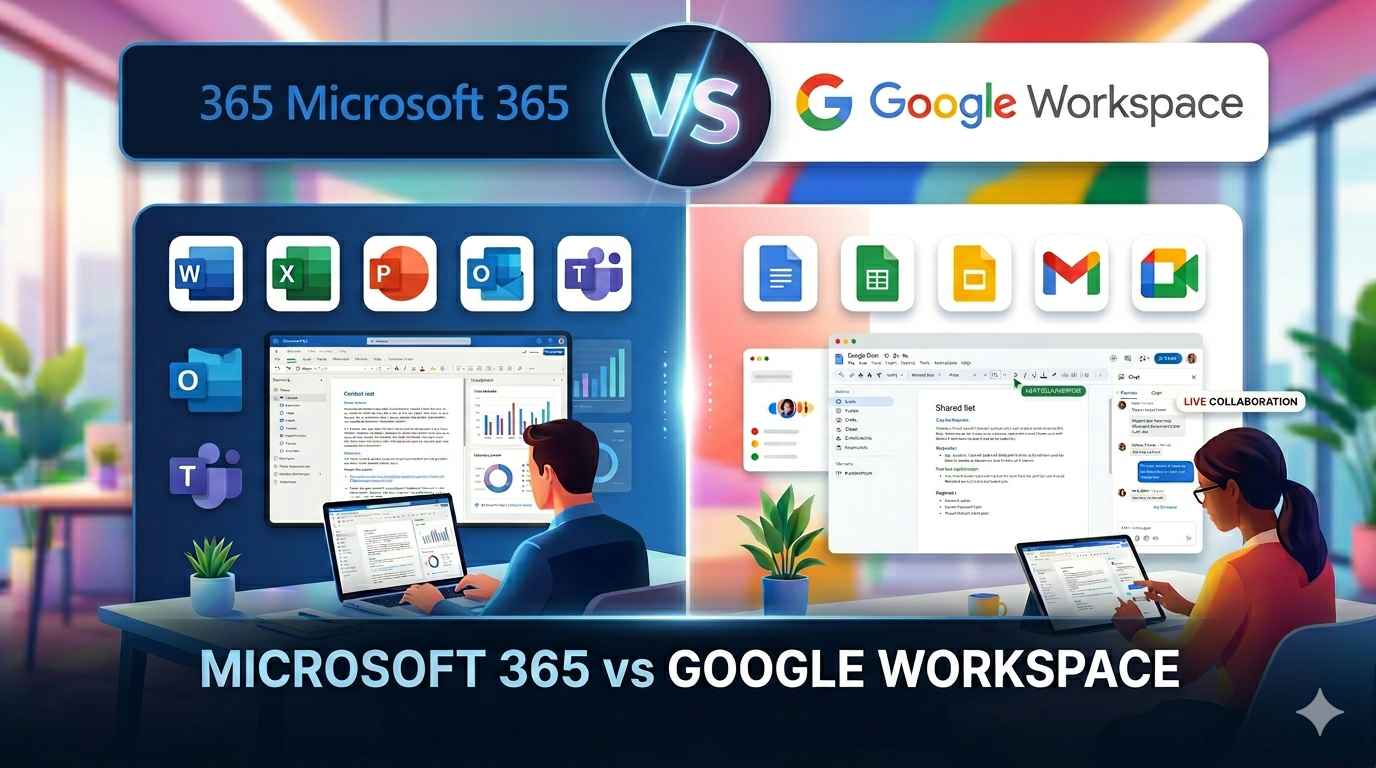


For UAE businesses already using Windows, Microsoft Office, and enterprise software, Microsoft 365 can offer stronger ecosystem integration. Google Workspace can be a good fit for businesses that prioritise browser-based work, simple administration, and real-time collaboration.
When comparing Microsoft 365 vs google workspace Dubai, businesses should look beyond subscription prices and consider email, storage, security, integrations, data residency, support, and migration requirements.
Quick Comparison
Feature | Microsoft 365 | Google Workspace |
Business Email | Outlook + Exchange Online | Gmail |
Cloud Storage | 1 TB/user on Business Basic & Standard | 30 GB/user on Starter; 2 TB/user on Standard |
Documents | Word, Excel, PowerPoint | Docs, Sheets, Slides |
Collaboration | Teams, SharePoint, OneDrive | Drive, Meet, Docs, Chat |
Video Meetings | Microsoft Teams | Google Meet |
Calendar | Outlook Calendar | Google Calendar |
Identity | Microsoft Entra ID | Google Admin Console |
Device Management | Microsoft Intune | Google endpoint management |
Offline Work | Strong desktop-app support | Offline access available for supported apps |
Business Ecosystem | Microsoft + enterprise integrations | Google + SaaS integrations |
Microsoft and Google’s plans and pricing change regularly, so businesses should verify the most up-to-date plan specifics before buying. Microsoft’s Business Basic and Standard plans currently offer 1 TB of storage per user, and Google Workspace Business Starter has a 30 GB per user limit, while Google Workspace Business Standard has a 2 TB-per-user storage limit.
Email & Communication
For business email, calendars, contacts and scheduling, Microsoft 365 leverages Outlook and Exchange Online. It also integrates closely with Teams, giving business organisations that use Microsoft applications a convenient way to do so.
Google Workspace uses Gmail, with Google Calendar, Google Meet, and Google Chat providing the wider communication environment.
For businesses where employees already depend on Outlook and Microsoft Office, staying within the Microsoft ecosystem can reduce workflow changes. Gmail-focused teams may find Google’s environment more familiar.
Collaboration & Meetings
Both platforms support hybrid and remote working.
Microsoft Teams combines chat, meetings, channels, file sharing, and collaboration. Businesses can also use Microsoft Teams Phone for supported business calling requirements.
Google Workspace brings together Google Meet, Docs, Sheets, Drive, and Calendar, with real-time collaboration being one of its central strengths.
Google Workspace Business plans offer different Meet capabilities depending on the subscription, while Microsoft Teams capabilities also vary by licence. Businesses should compare the specific meeting, recording, participant, and calling features they actually require.
Storage & File Sharing
Microsoft 365 combines OneDrive for individual files with SharePoint for team and organisational content. This makes it suitable for businesses that need structured document libraries, permissions, and department-level file management.
Google Workspace uses Google Drive for cloud storage and sharing. Employees can collaborate on Docs, Sheets, and other files directly from the browser.
The key consideration is not simply storage capacity. Businesses should also look at:
- Existing file structures
- Permission requirements
- Shared-team workflows
- Desktop application requirements
- Long-term storage needs
Security & Administration
Security is an important consideration when choosing a business productivity platform.
Microsoft 365 provides identity and access management through Microsoft Entra ID, along with security and device-management capabilities. Businesses using Microsoft Intune can manage supported devices and applications centrally.
Google Workspace provides administrative controls through the Google Admin Console, including security, user management, and endpoint controls depending on the plan.
Both platforms support features such as:
- Multi-factor authentication
- Single sign-on
- User and access management
- Security policies
- Device controls
- Administrative monitoring
The right configuration and licence level are just as important as the platform itself.
Pricing: Compare Equivalent Plans
Price comparisons are most useful when equivalent plans are compared.
Plan Level | Microsoft 365 | Google Workspace |
Entry business plan | Business Basic | Business Starter |
Higher business plan | Business Standard | Business Standard |
Storage | 1 TB/user | 30 GB/user Starter; 2 TB/user Standard |
Desktop Office apps | Standard includes them | Browser-based productivity apps |
Business email | Included | Included |
Collaboration | Teams | Meet, Chat, Drive |
Microsoft’s Business Basic is designed around web and mobile Office applications, business email, Teams, and cloud storage, while Business Standard adds desktop Office applications. Google Workspace Business Starter and Standard differ in storage and meeting capabilities.
For UAE businesses, the final cost should also account for implementation, migration, support, security configuration, and any additional applications or licences required.
Integration With Business Tools Used in the UAE
Integration becomes increasingly important as a business grows.
Microsoft 365 can connect with platforms such as Odoo, SAP, Salesforce, and Zoho through available integrations and automation tools. Power Automate can also be used to automate supported business workflows.
Google Workspace also supports integrations with popular CRM, ERP, accounting, and SaaS platforms.
When comparing the two, businesses should identify the applications they already use and check:
- Existing connectors
- Authentication requirements
- Data-sharing permissions
- Workflow automation
- API availability
- Employee access requirements
The better fit is often the platform that works most naturally with the company’s existing technology stack.
Microsoft 365 vs Google Workspace Dubai: Which Business Type Fits Each?
There is no single answer for every company. The decision can depend heavily on the current IT environment.
Microsoft 365 may suit businesses that:
- Already use Windows and Microsoft Office
- Depend heavily on Word, Excel, and PowerPoint
- Use Outlook for business email
- Need structured SharePoint file management
- Want Teams for internal communication
- Require advanced identity and device-management capabilities
Require advanced identity and device-management capabilities
- Already use Gmail and Google Drive
- Prefer browser-based applications
- Prioritise real-time document collaboration
- Have a cloud-first working environment
- Want simple administration
- Use a wide range of SaaS applications
If a company is growing from a small team to a larger company, it is important to think about the needs of future users, security policies, integrations, and IT administration in addition to the needs today.
Data Residency & UAE Compliance
Data residency can be particularly important for organisations handling sensitive or regulated information.
Microsoft identifies the United Arab Emirates as a Local Region Geography for applicable Microsoft 365 data-residency commitments. These commitments cover specified Microsoft 365 services and conditions.
For supported editions, Google Workspace supports data-region controls, and there are known options such as the United States or Europe.
UAE businesses should therefore consider:
- Where relevant data is stored
- Industry-specific requirements
- Contractual obligations
- Access and retention policies
- Security requirements
- The specific services and licence being purchased
Data residency needs to be evaluated in the context of the company’s regulatory requirements, not in isolation by comparing various platforms.
Microsoft 365 Migration: What Businesses Should Consider
Moving between productivity platforms requires more than transferring email accounts.
A migration may involve:
- Emails and mailboxes
- Contacts and calendars
- Documents and shared files
- User accounts
- Permissions
- Mobile devices
- Security policies
- Third-party integrations
- DNS and domain settings
Phased approach helps to minimize disruption. Businesses can trial out the migration with a small group, verify the migrated data, train users and then migrate the rest of the data.
Downtime also need to be well planned for, especially for businesses relying heavily on email and cloud services.
Why Local Support Matters
Choosing a platform is only the beginning. Businesses also need reliable implementation and ongoing technical support.
A Microsoft office 365 service provider in Dubai can assist with:
- Licence selection
- Tenant setup
- Email configuration
- User onboarding
- Security configuration
- Migration
- Troubleshooting
- Ongoing administration
For businesses that need Microsoft 365 support in dubai, local assistance can be particularly useful when email, Teams, permissions, accounts, or employee devices are affected.
When choosing a provider, businesses need to check their current Microsoft partner status, technical capacity, coverage, and Microsoft service agreement.
Frequently Asked Questions
Small Businesses can be effective on either platform. Both Microsoft 365 and Google Workspace can be integrated by companies already leveraging Microsoft Office and Outlook (or Gmail, Drive, and browser-based collaboration).
Yes. There are tools available to support migration of email, calendars, contacts, and files. But how the migration is accomplished depends on the source environment, destination plan, data volume, and migration method. Testing and validation should be done prior to the actual switch.
There are a ton of security and administration capabilities on both platforms. Businesses should look at the different security features of the plans they’re interested in, such as identity management, access policies, authentication, device controls, retention policies, monitoring, and more.
They can. Microsoft provides UAE-specific data-residency commitments for eligible services of Microsoft 365, and Google offers data-region controls for available Workspace editions. Organizations should consider the platform’s regulatory and contractual requirements before making a choice.
Final Thoughts
Choosing Microsoft 365 vs google workspace in Dubai, factors other than cost must come into play. Take into account the applications you currently use, the way your employees work, your storage requirements, your security needs, integrations, your data-residency expectations and the technical support you have.
Microsoft 365 may be a good fit for companies already using the Microsoft suite of products. For organizations that are based on collaboration via Gmail, Drive, and browser, Google’s way of doing things might be preferable. The best way to make the decision is to compare equivalent plans and identify the business needs that you have.
Related Posts
What IT Solutions Does a Growing Business in Dubai Actually Need?
A growing business in Dubai needs more than computers, internet access, and basic software. As…
IT Solutions for SMEs in Dubai: A Practical Technology Roadmap
For growing SMEs, technology is no longer just an operational expense—it is part of the…
How to Secure Your Business with Microsoft 365 Security Services
Cyber threats are more sophisticated than ever, and cybersecurity is a priority at all businesses,…
How to Successfully Set Up Office 365 for Your Business
Organisations in Dubai and the UAE are increasingly adopting cloud technology to boost collaboration, enhance…