


Cyber threats can disrupt business operations, expose sensitive information and damage customer trust. For small and medium-sized businesses in Dubai, improving security starts with identifying vulnerabilities and implementing practical safeguards. This guide explains ten essential controls, relevant UAE regulations and when to seek professional support.
Quick Answer:
A 10-Point Cyber Security Checklist
Effective cyber security for businesses in Dubai starts with these ten measures:
- 1. Enable multi-factor authentication (MFA).
- 2. Protect business email and train employees to recognise phishing.
- 3. Deploy endpoint detection and response (EDR).
- 4. Apply security patches regularly.
- 5. Maintain and test backups.
- 6. Restrict access according to job responsibilities.
- 7. Secure networks with firewalls and segmentation.
- 8. Monitor logs and suspicious activity.
- 9. Create an incident response plan.
- 10. Conduct regular security awareness training.
Review these controls regularly to identify gaps, prioritise improvements and protect business-critical systems.
Why Do Dubai Businesses Need Stronger Cyber Security in 2026?
Businesses increasingly rely on cloud platforms, digital payments, remote access and online customer records. These systems can be targeted through phishing, ransomware, stolen credentials and business email compromise (BEC). Strong cyber security for businesses in Dubai means protecting sensitive information, maintaining continuity and preparing to respond to incidents. The UAE Cyber Security Council and Dubai Electronic Security Center (DESC) provide official cybersecurity information and guidance.
The 10-Point Cyber Security Checklist
Enable Multi-Factor Authentication
Multi factor authentication involves proving a person's identity in more than one way than by providing their password. It provides protection against unauthorized access in case of a compromised or reused password. What to check: nable MFA for Business Email, Cloud Applications, Administrator Accounts and remote access. For privileged users, consider using phishing-resistant authentication. Access policies based on identity and device status can be applied with the help of Microsoft Entra ID and Conditional Access.
Strengthen Email Security and Phishing Protection
Phishing and business email compromise (BEC) continue to be big threats through email. Businesses can use email security solutions, such as spam filtering, phishing detection, and implementing SPF, DKIM, and DMARC authentication, to safeguard against fraudulent emails and unauthorised access.
What to check: Use appropriate email security solutions through Skytech Cyber Cloud’s Email Security service. Configure SPF, DKIM and DMARC to authenticate your email domain, review suspicious-message filtering and train employees to verify unexpected payment requests independently.
Deploy Endpoint Protection
Ransomware and other types of malicious software can be a way in to laptops, desktops and servers. Endpoint detection and response (EDR) can be used to detect suspicious activity, investigate threats and assist in containment. Extended detection and response (XDR) can integrate data from various security systems.
What to check: Ensure that all business devices are protected, have current security updates and a process for dealing with alerts. Microsoft Defender can be a valuable component of endpoint security if properly set up.
Apply Security Patches Regularly
Older Operating Systems, Applications and Network Devices can have vulnerabilities that can be exploited by attackers. By performing patch management regularly, exposure to known security weaknesses is reduced.
What to check: Maintain an inventory of devices and software, enable supported automatic updates where appropriate and prioritise critical security fixes. Replace unsupported systems or isolate them until they can be secured properly.
Maintain and Test Backups
Backups help restore business data after accidental deletion, hardware failure or ransomware. However, having backup copies is not enough if they cannot be recovered when needed.
What to check: Follow the 3-2-1 backup rule: keep three copies of important data, on two types of storage, with one copy off-site. Consider immutable backups that cannot easily be altered or deleted. Test file restoration and broader recovery procedures regularly.
Apply Least-Privilege Access
Employees should only access the information and systems required for their roles. Excessive permissions can increase the impact of compromised accounts or accidental data exposure.
What to check: Review administrator accounts, shared logins, former employees' access and permissions for sensitive files. Remove unnecessary privileges and protect privileged accounts separately. A zero-trust approach verifies access instead of automatically trusting users based on their network location.
Secure Firewalls and Network Segmentation
Firewalls control network traffic according to security rules, while network segmentation separates systems to limit the spread of threats. A next-generation firewall may provide additional capabilities, including application awareness and threat prevention.
What to check: Review firewall rules, disable unnecessary exposed services and separate guest Wi-Fi from business systems. Restrict access to servers and sensitive databases. Learn more about Network Security.
Monitor Logs and Suspicious Activity
Logging and monitoring help identify unusual sign-ins, repeated login failures, unexpected permission changes and suspicious data transfers. Security information and event management (SIEM) tools can collect and correlate logs to support threat detection.
What to check: Ensure critical systems generate relevant logs, alerts reach a responsible person and high-priority findings are investigated. Monitoring is most effective when it includes clear escalation procedures and timely responses.
Create an Incident Response Plan
An incident response plan explains what employees should do when a security incident occurs. It identifies responsible contacts, containment steps, communication procedures and recovery responsibilities.
What to check: Document how to isolate affected devices, secure compromised accounts and preserve evidence. Run a tabletop exercise using a realistic scenario, such as ransomware affecting a shared business drive, to identify gaps before an actual incident.
Conduct Staff Security Awareness Training
Employees need to recognise suspicious links, fake invoices, unusual login requests and social engineering attempts. Regular training helps staff understand how to prevent incidents and report concerns quickly.
What to check: Provide security awareness training, conduct safe phishing simulations and establish a simple process for reporting suspicious messages. Encourage employees to report mistakes promptly rather than hide them.
How Secure Is Your Business? A 15-Minute Self-Check
Answer these ten questions to identify potential gaps in your current security arrangements.
- Is MFA enabled for email, cloud accounts and administrator accounts?
- Are email filtering and SPF, DKIM and DMARC configured?
- Do all business devices have active endpoint protection?
- Are security patches applied regularly?
- Are backups tested through successful restoration?
- Are access permissions limited to job requirements?
- Are firewalls reviewed and networks appropriately segmented?
- Are security logs monitored and suspicious activities investigated?
- Is a documented incident response plan available?
- Do employees receive regular security awareness training?
Any unchecked item is an opportunity to improve. Prioritise gaps according to their potential impact on business operations, sensitive data and recovery capabilities.
What Should a Small Business Secure First?
Businesses with limited budgets can begin with four high-priority measures:
Secure accounts:
Enable MFA, especially for email, administrators and remote access.
Test backups:
Verify that important files and systems can be restored.
Protect email:
Improve phishing detection and verify suspicious financial requests.
Patch critical systems:
Address known vulnerabilities in applications and devices.
Once these controls are established, improve endpoint protection, access management, network security and incident response. This staged approach helps small businesses make practical improvements without attempting a complete security overhaul immediately.
When Should You Hire a Cyber Security Company in Dubai?
If your company has been breached, processes private customer data, has no security personnel or require assistance to comply with contractual or regulatory obligations, consider a professional security partner. Specific expertise is also beneficial in the cases where security alerts are not investigated or where security controls were not evaluated.
Before choosing a provider, ask:
- What will the security assessment cover?
- Will the report prioritise vulnerabilities by risk?
- How will recommendations be implemented and verified?
- Is incident response available outside normal business hours?
- How will improvements be measured over time?
A useful assessment should explain which issues need attention first, why they matter and how to address them.
FAQ
No. Antivirus helps detect malicious software, but it cannot address every threat involving stolen credentials, phishing, misconfigured cloud accounts or unauthorised access. Businesses should combine endpoint protection with MFA, patch management, email security, tested backups, access controls and monitoring for stronger protection.
Regularly test for restoration, more often if your data is more critical and changes more often. More frequent testing of critical systems may be needed. Regularly, run a larger disaster recovery exercise to ensure that systems are recoverable within your business’s recovery time.
It could apply to your business if your business processes personal data within the scope of the law. The applicability will depend on the activities, location, data etc. There may be different regimes for DIFC and ADGM entities. Speak to an attorney to find out what you are required to do.
Follow your incident response plan, notify the responsible IT or security contact and contain affected systems where appropriate. Retain logs and evidence, lock compromised accounts and evaluate possible data security issues. Include incident response personnel and get guidance on any notification requirements that may exist.
Strengthen Your Business Security With Skytech Cyber Cloud
A proactive security approach enables businesses to discover vulnerabilities, safeguard vital data and stay better equipped to address new threats. Resilience is maintained through regular reviews, tried recovery procedures and informed employees.
Book a Cyber Security Assessment with Skytech Cyber Cloud to identify security gaps, prioritise improvements and develop a practical protection plan for your business.

Digilinks
Share
Related Posts
3 November 2026
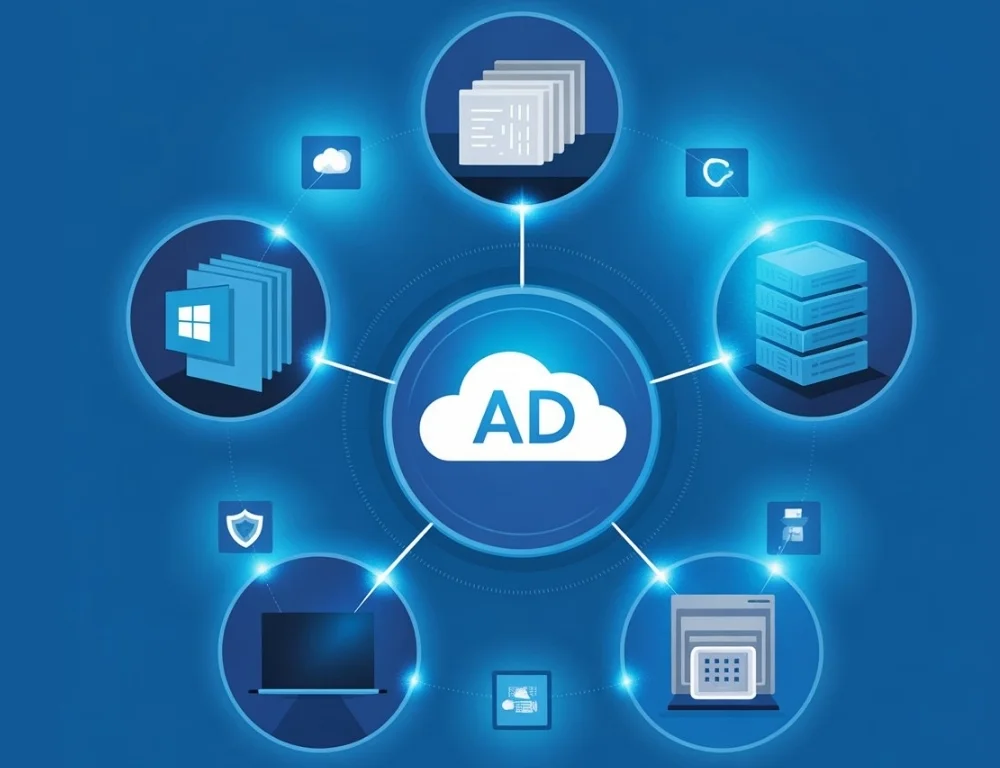
Do You Still Need an On-Site Active Directory Server? Moving to Microsoft Entra ID and Intune in Dubai
The key difference between Active Directory vs Azure Active Directory is that traditional Active Directory…

3 November 2026
Cloud Migration in Dubai: Cost, Timeline and a Step-by-Step Plan
Moving business systems from on-site servers to the cloud can improve flexibility, security and business…
3 November 2026
Managed IT Services vs IT AMC in Dubai: Which One Does Your Business Need?
Choosing the right IT support model can affect your business continuity, security and operating costs.…

15 October 2026
How Much Does Custom Software Development Cost in Dubai? (2026 Guide)
When building software for your business, it’s not just about paying developers to write code.…